
Thank you for purchasing the Formidable Form/Field Keys Easy Display/Edit Shortcode. We hope you find it as useful for your Formidable development projects as we do for ours.
Contents
Installation
To install this code, do any of the following:
- Copy this code into a snippets plugin
- Copy this code into functions.php
- Load this as a library using include or require
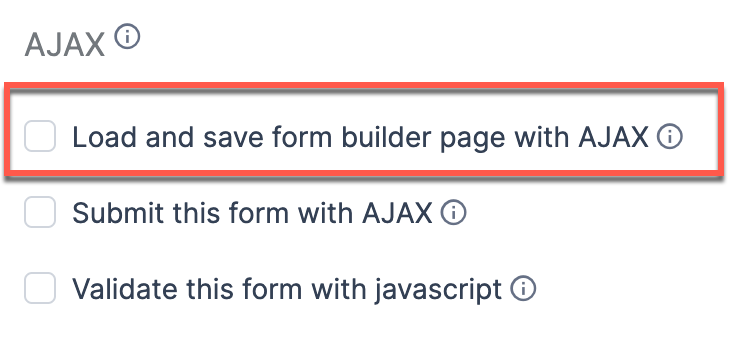
- Important! Make certain the "Load and save form builder page with AJAX" checkbox is disabled for the form BEFORE you begin bulk editing keys.
- If the form is enabled to use form builder Ajax, Formidable's caching will interfere with the bulk upgrade.
Usage
Basic shortcode to display all forms and fields:
[devtool_display_form_fields]
Optional parameters to view one form at a time:
- [devtool_display_form_fields frm_id=1]—searches by form_id to display single form/field
- [devtool_display_form_fields frm_key="contact-form"]—searches by form_key to display single form/field
Additional Optional parameters:
- show_logo—boolean default true, enables/disables Mastermind Developer insignia on single form/field display.
Example: [devtool_display_form_fields show_logo="false"]
- enable_edit—boolean default false, enables/disables form/field Ajax key editing. Works for all forms or single display.
Example: [devtool_display_form_fields enable_edit="true"]

Leave a Reply